

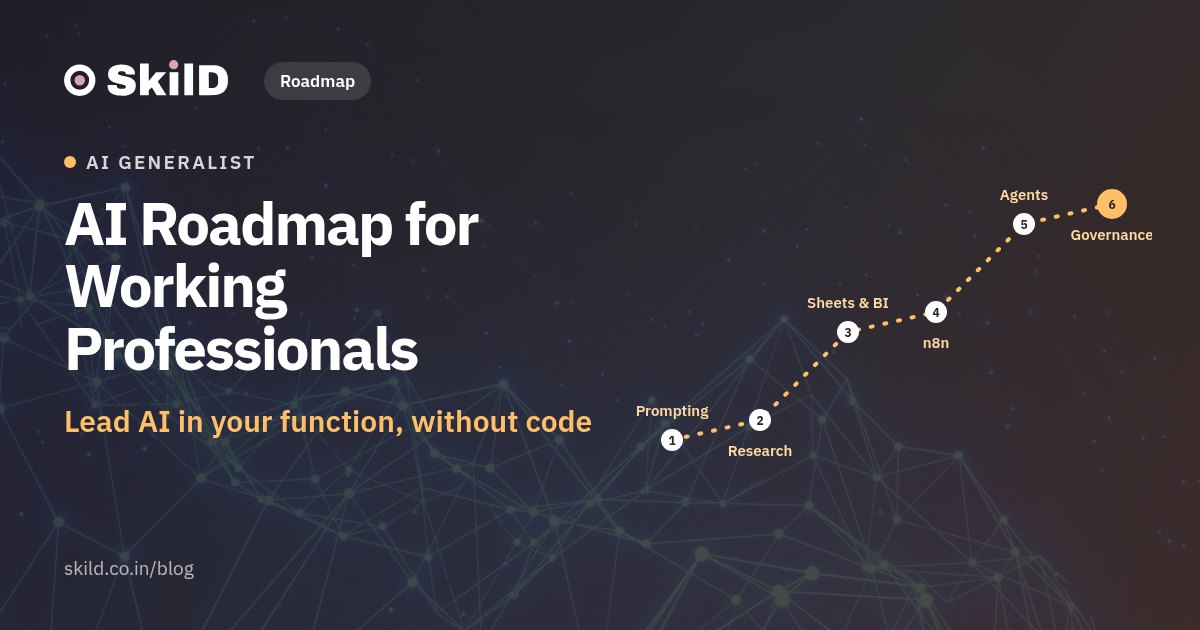
AI Roadmap for Working Professionals: Lead AI in Your Function Without Coding
Nine no-code stages, one deliverable each: from prompting and checking AI to n8n automations, agents and a rollout plan your manager signs.
On this page
Key takeaways
- You can lead AI in your function without code: assistants, checking, research, spreadsheets and BI, automation, agents, function use and governance.
- 92% of knowledge workers in India already use AI at work; the edge is turning it into a measured process your team runs.
- Every stage ends with a deliverable your manager recognises, starting with a time and cost baseline.
- At 4–5 hours a week, a working n8n automation is realistic within about ten weeks.
- Any workflow touching personal data sits inside the DPDP Rules notified on 14 November 2025.
AI for working professionals is a set of skills learnable without writing code: use AI assistants well, check what they say, research with sources, analyse numbers, automate routine work, build simple agents, and apply all of it inside your own function under a clear policy. At 4–5 hours a week, most professionals have a working automation running within about ten weeks. This roadmap sets out the order, the tools and one deliverable per stage that a manager will recognise.
12 AI workflows you import and run
Skip the blank page: import 12 ready AI workflows from the SkilD Free Library and run them on your own work this week, free with the code SKILDFREE.
Get the workflows→Why AI skills now decide who leads in every function
AI use at work in India is already the norm. In the Microsoft and LinkedIn 2024 Work Trend Index, 92% of knowledge workers in India said they use AI at work, against 75% globally. 72% of Indian AI users bring their own AI tools to work. And 75% of leaders in India said they would not hire someone lacking AI skills, while 80% would prefer a less experienced candidate who has them.
Read those numbers together and the opportunity is clear. Almost everyone is using AI on their own, in scattered chats. Very few people can turn that into a measured process their team runs every week, inside the company's data rules. That person leads AI in their function, and you can become that person without learning to code. The World Economic Forum expects 39% of workers' core skills to change by 2030, so the window to be early is now.
The roadmap at a glance
| Stage | What you learn | Main tools | What you finish |
|---|---|---|---|
| 1. Assistants and prompting | How LLMs work, prompting, projects and custom instructions | ChatGPT, Claude, Gemini, Copilot | A personal AI system a colleague can run |
| 2. Checking AI output | Why AI makes things up, and a checking routine | A verification log | A workflow with its checks written down |
| 3. Research and a team knowledge base | Research with sources; your documents as the AI's memory | NotebookLM, Perplexity, deep-research modes | A team knowledge base and a weekly market watch |
| 4. Spreadsheets, BI and prediction | Analysis with AI, checking its arithmetic, dashboards, simple forecasts | Excel or Sheets with AI, Power BI Desktop, Looker Studio, KNIME | The Monday Numbers: a weekly report with a dashboard |
| 5. Finding the value | Process maps, time and cost baselines, build or buy | A spreadsheet, Miro | Five Hours Back: one process, its baseline and its AI plan |
| 6. Automation | Triggers, actions, branches, data mapping, errors and retries | n8n, Gmail, Sheets, Slack | An automation that runs on a schedule |
| 7. No-code agents | Agents that decide and act, approval gates, testing | n8n AI agent, Custom GPTs, Gemini Gems | An agent that runs for a week, with its log |
| 8. Your function | Use cases, process change and rollout in your own team | CRM AI, Jira or Asana AI, WhatsApp Business | A KPI dashboard and a prioritised roadmap |
| 9. Governance and change | DPDP, usage policy, ROI and kill criteria, adoption | Policy and rollout templates | A rollout plan a finance head would sign |
Stage 1: Assistants and prompting
Start with how a large language model works, in plain words. It predicts the next word from patterns in its training data and in what you give it. It has a limited context window. It sounds equally sure when it is right and when it is wrong. Those three facts explain most good and bad AI output.
Then learn ChatGPT, Claude, Gemini and Copilot side by side, using one prompt structure everywhere:
- Role: who the assistant should act as ("an HR business partner at a 400-person manufacturing firm")
- Context: the facts, the audience and the constraint
- Examples: one good past output
- Format: length, structure, tone, language
Next, turn scattered chats into a system: ChatGPT Projects or Claude Projects with custom instructions, Gemini Gems, and a shared prompt library your team can reuse. If your company runs on Google Workspace, use Gemini inside Docs, Sheets and Gmail. If it runs on Microsoft 365, Copilot in Word, Excel and Outlook does the same job with a paid licence.
Deliverable: a personal AI system, with instructions and a prompt library, that a colleague can pick up and run.
Stage 2: Checking AI output
This is the skill that earns trust in AI work. Keep a verification log for every workflow: what the AI produced, what you checked, what you changed.
- Numbers: recompute totals and percentages in the sheet. AI arithmetic slips are common.
- Facts and quotes: open the source the AI cites and find the sentence.
- Names, dates and amounts: match them against your system of record.
- Tone: read it as the receiver would.
Also decide, in writing, what stays out of public AI tools: customer personal data, salary data, unreleased financials, passwords. Your company's approved tools and terms come first.
Stage 3: Research and a team knowledge base
Perplexity and the deep-research modes in ChatGPT, Claude and Gemini give sourced answers from the web. NotebookLM is the choice when the answer must come only from your own documents: policies, SOPs, contracts, product notes.
That second use is a no-code version of what engineers call retrieval-augmented generation (RAG). Your documents become the AI's memory, and each answer points back to the passage it came from.
Deliverable: a knowledge base your team can ask questions of, tested on 20 questions with known answers, plus a weekly market watch on your competitors and customers built with a deep-research mode.
Stage 4: AI in spreadsheets, BI and simple prediction
Most managers live in Excel or Google Sheets. AI can write formulas, pivot tables and summaries; the professional habit is checking the arithmetic. Move to dashboards in Power BI Desktop or Looker Studio, both free to start. Then build what-if scenarios ("what happens to margin if freight rises 8%?") and turn the result into a five-slide story with an AI deck tool such as Gamma.
Add one step most non-technical roadmaps leave out: prediction without code. KNIME, a free visual tool, forecasts demand, classifies leads or segments customers by dragging blocks, and teaches you to read when a model can be trusted and when a simple rule does better.
Deliverable: The Monday Numbers, a weekly report for your team with a dashboard, one scenario and a one-paragraph story.
Stage 5: Find where AI moves the number
Before building anything, pick the right process. Map one recurring process step by step, time each step for a week, and put a rupee cost on it. Then decide: buy a ready tool, or build a workflow? Write a one-page opportunity brief with an ROI estimate.
Deliverable: Five Hours Back: one process, its time and cost baseline, and its AI plan. That baseline becomes your "before" number for everything that follows.
Stage 6: Automation with n8n
n8n is a visual automation tool that connects apps in a flow: a trigger (a new email, a form entry, a time of day), actions (read, summarise, update a sheet, post to Slack) and branches (if the amount is above ₹50,000, send to a manager). Learn data mapping, so the right field lands in the right column, and learn errors and retries, so the flow keeps running when something breaks. Zapier, Make and Microsoft Power Automate follow the same logic, so the skill carries over.
Deliverable: one automation that runs on a schedule and saves measurable time against your Stage 5 baseline.
Stage 7: No-code agents
An automation follows fixed steps. An agent decides the next step itself, using tools you give it. n8n's AI agent node lets a model read an incoming request, look up an order in a sheet, draft a reply and route the case, with an approval gate before anything goes to a customer. Custom GPTs and Gemini Gems are simpler assistants for one job each. Voice agents built on tools such as Vapi or Retell can answer calls or WhatsApp queries.
Then test the agent the way professionals do: a set of 30 test requests, an AI judge that reviews the answers against your rules, and a log of failures and fixes. Add guardrails and a monthly cost cap.
Deliverable: a customer-support agent, switched on to run for one full week, reviewed on its log.
Stage 8: AI inside your function
All of this becomes valuable when applied to the work a manager measures. Use one shared method: pick the use case, map the process, set the KPI, plan the rollout.
| Function | High-value use cases | Deliverable your manager recognises |
|---|---|---|
| Managers | Weekly status from Jira or Asana, meeting notes into actions, team knowledge base | A KPI dashboard and a prioritised AI roadmap for the team |
| Marketing | Brand voice as instructions, one asset into five formats, image and video with Canva AI | A campaign asset set made in a day |
| Sales | CRM notes and follow-ups, lead scoring, WhatsApp Business replies | A follow-up flow that leaves no lead untouched for 48 hours |
| Operations | Order and ticket routing, vendor follow-ups, demand forecast | A process map with cycle time before and after |
| HR | Job descriptions, screening summaries, policy Q&A from the handbook | A policy assistant tested on 20 questions |
| Finance | Invoice data extraction with document AI, variance commentary, scenarios | A month-end pack with AI drafts and checks |
Rank your candidate use cases with a simple ICE score (impact, confidence, ease) and plan the first two as sprints, with a risk heatmap beside them.
Stage 9: Governance, DPDP and leading the change
India's Digital Personal Data Protection Rules were notified on 14 November 2025, with an 18-month window for phased compliance. Penalties run up to ₹250 crore for failing to keep reasonable security safeguards, and up to ₹200 crore for failing to report a personal data breach. Any AI workflow that touches customer or employee data sits inside these rules.
So your rollout plan needs four parts:
- A usage policy: approved tools, what data may go where, and how to bring "shadow AI" (personal tools at work) into approved tools.
- Vendor and data terms: where the tool stores data, whether it trains on your inputs, and who can see it.
- ROI and kill criteria: the number that must move by a set date, and the point at which you stop.
- The people plan: who is trained, who champions it, and how you handle resistance.
Deliverable: a rollout plan a finance head would sign.
A 12-week plan at 4–5 hours a week
| Weeks | Focus | Done when |
|---|---|---|
| 1–2 | Assistants, prompting, checking | Three reusable prompts and a verification log |
| 3 | Projects, Gems, prompt library | A colleague runs your system without help |
| 4 | Research and knowledge base | Your knowledge base answers 20 test questions with sources |
| 5–6 | Spreadsheets, BI, scenarios | The Monday Numbers goes to your team |
| 7 | Process map and baseline | One process timed and costed |
| 8–9 | n8n automation | The flow runs on schedule for a week |
| 10–11 | No-code agent and testing | The agent passes your 30 test requests |
| 12 | Policy and rollout plan | Your manager signs off on a pilot |
What to show at your next appraisal or job interview
Bring one file: the process, the "before" baseline, the live run and the "after" number. Hours saved per week, turnaround time cut, errors caught. That single before-and-after story carries more weight than any certificate list, and it opens AI roles such as AI adoption consultant, AI operations lead or AI product owner inside your own company.
How SkilD teaches this
The PG Program · AI Generalist & Agentic AI (No-Code) runs this roadmap in depth over 22 weeks and 142 live hours, with 13 projects, including The Monday Numbers, Five Hours Back and The First Week Unattended, where your automation and agent run for a full week and are reviewed on their log. The program closes with an Adoption File: one process from your own work, measured before and after, presented at Demo Day. Function labs cover managers, marketing and sales, operations, and HR and finance.
Classes are live on weekends, Saturday and Sunday from 10 AM to 1 PM IST, taught by industry experts including faculty from Mastercard and Paytm, and every class is recorded and up within 24 hours. SkilD has trained 4,200+ learners, and 12+ organizations train their teams with us. The program needs a bachelor's degree, starts on Saturday 28 November 2026, and admission begins with a 1-on-1 call with a program advisor. For a shorter start, AI at Work covers assistants as a system, the team knowledge base and Five Hours Back in 54 live hours.
Frequently asked questions
Can I learn AI without coding?
Yes. You can use AI assistants, research tools, spreadsheets with AI, dashboards, n8n automations and no-code agents without writing code. These cover most of what a manager or a functional professional needs to lead AI in their team.
What AI skills do managers need?
Prompting and checking AI output, research with sources, analysing numbers with AI, spotting which processes AI can improve and measuring them, automating routine work, and rolling AI out under a clear data policy with the team on board.
How long does it take a working professional to learn AI?
At 4–5 hours a week, most professionals are confident with assistants and checking within two weeks, and have a working automation within about ten weeks. Leading a full rollout in your function takes a few months of applied practice.
Which AI tools should non-technical professionals learn first?
Start with one general assistant (ChatGPT, Claude, Gemini or Copilot), then NotebookLM for your own documents, AI inside Excel or Google Sheets, and n8n for automation. Add a dashboard tool such as Power BI Desktop or Looker Studio next.
Is it safe to put company data into ChatGPT?
Use the tools and plans your company has approved, and keep customer personal data, salary data and unreleased financials out of public tools. India's DPDP Rules, notified in November 2025, carry penalties of up to ₹250 crore for failing to keep reasonable security safeguards.
Can a non-technical professional get an AI job?
Yes, in roles built around adoption rather than code, such as AI adoption consultant, AI operations lead or AI product owner. The strongest proof is one process from your own work with a measured before-and-after result.
PG Program · AI Generalist & Agentic AI (No-Code)
Live weekend classes, every class recorded, projects reviewed by faculty and placement support to the offer. First class Sat 28 Nov 2026.
Sources
- Microsoft News Centre India, 92% of Indian knowledge workers use AI in the workplace: 2024 Work Trend Index (16 May 2024)
- Press Information Bureau, Digital Personal Data Protection Rules 2025 explainer (Nov 2025)
- World Economic Forum, Future of Jobs Report 2025: the fastest growing and declining jobs (9 Jan 2025)
Keep reading
Data Engineering Roadmap for Beginners: A 9-Month Plan from Zero to Job-Ready (2026)
A stage-by-stage data engineer roadmap for India: what to learn each month, the tools to use, and one project to finish at every stage.
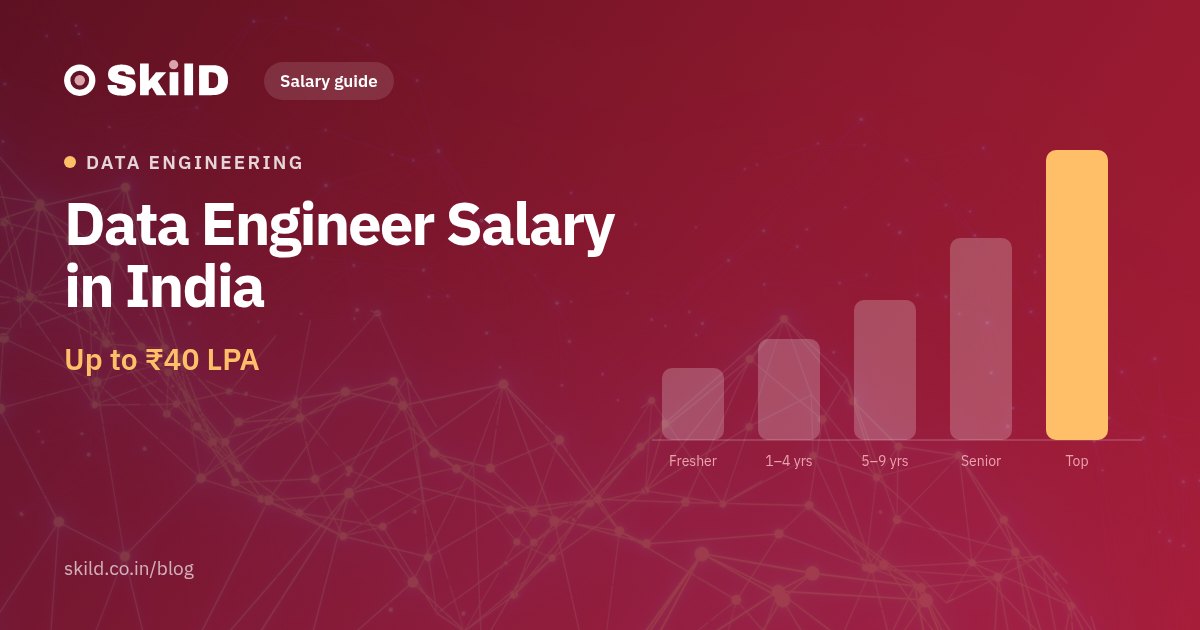
Data Engineer Salary in India (2026): Up to ₹40 LPA by Experience, Cloud Skill and Role
Data engineer pay in India from fresher to senior, by AWS, Azure and GCP skill, with every figure's source and date, and the five things that raise it.
Machine Learning Engineer Roadmap: From Python to a Deployed AI Product
Eight stages, 34 weeks, one project per stage: the path from Python and SQL to RAG, agents and a deployed AI product.
Data and AI openings on WhatsApp, and the hiring market twice a month.
The roles the companies our learners work at are hiring for, and the dates of the next free live build. Read three issues of the Brief and you’ll know whether we’re your kind of school.
You’re on the list.
The first alert lands the next time our network is hiring, and the next Brief lands in your email.