
Curious whether AI work is for you?
Build a working AI tool live in 90 minutes, with SkilD's industry experts. Free, with a certificate.
An industry expert builds a working AI tool from scratch and the room builds alongside, questions answered as it goes. No coding needed: if a spreadsheet feels familiar, this build will too.
- Sat 17 Oct or Sat 24 Oct
- 11:00 am IST · 90 minutes
- ₹0 · no card, no paid account

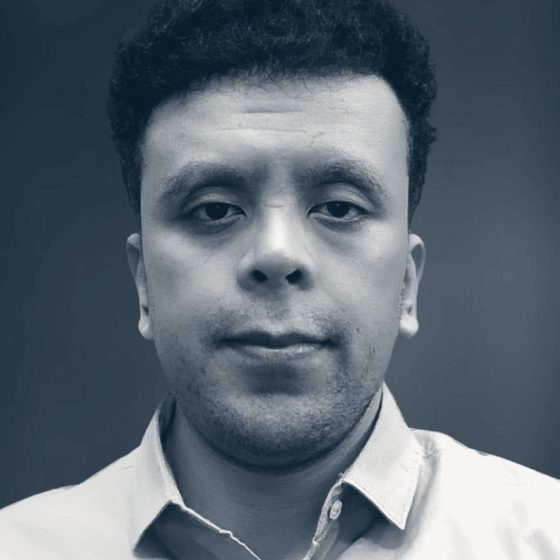 Hosted by the industry experts who teach the PG Programs, from Mastercard and Paytm
The joining link reaches you on WhatsApp and email within minutes, with a reminder on the day. Not there? Look in your email's Promotions tab, or message us on WhatsApp at +91 90969 09751.
[registrant count] seats saved so farEveryone who attends gets a certificate
Two sessions, two builds. Pick the one to leave with.
Both run on free accounts in the browser, and both work by the end.
The Document Answer Desk
An AI assistant that answers questions from a policy PDF and shows the page each answer came from.
Proves you can make AI answer from the documents a team trusts.
The Inbox Sorter
An AI workflow that reads a shared inbox, sorts every message and drafts the reply, with a person approving before anything is sent.
Proves you can put AI to work on a task that repeats every day.
Built for working people who want to see AI work, not read about it.
A room that builds, from the first minute to the last.
- 0–15minWhat an AI model can and can't doOne everyday work task, run in three assistants side by side, the differences read out loud
- 15–30minSet up, togetherFree accounts opened in the session, the brief on screen, and what "done" looks like
- 30–45minBuild, part oneThe first working version, step by step with the expert
- 45–60minBuild, part twoTested on a fresh example, and fixed where it breaks
- 60–75minThe three roadsData Engineering, Machine Learning & AI and Applied AI: what each builds, and who each suits
- 75–90minThe next stepEach build checked, the next cohort of each program named with its date, and questions answered
Hands on, from minute fifteen · camera optional
Hosted by the industry experts who teach the PG Programs.
Each session is run by one of the four, with the chat moderated so every question gets seen.


A working build, a certificate, and your road.
- A working buildmade on an everyday work task, usable the next working day
- The replaywithin 24 hours, to build it again at any pace
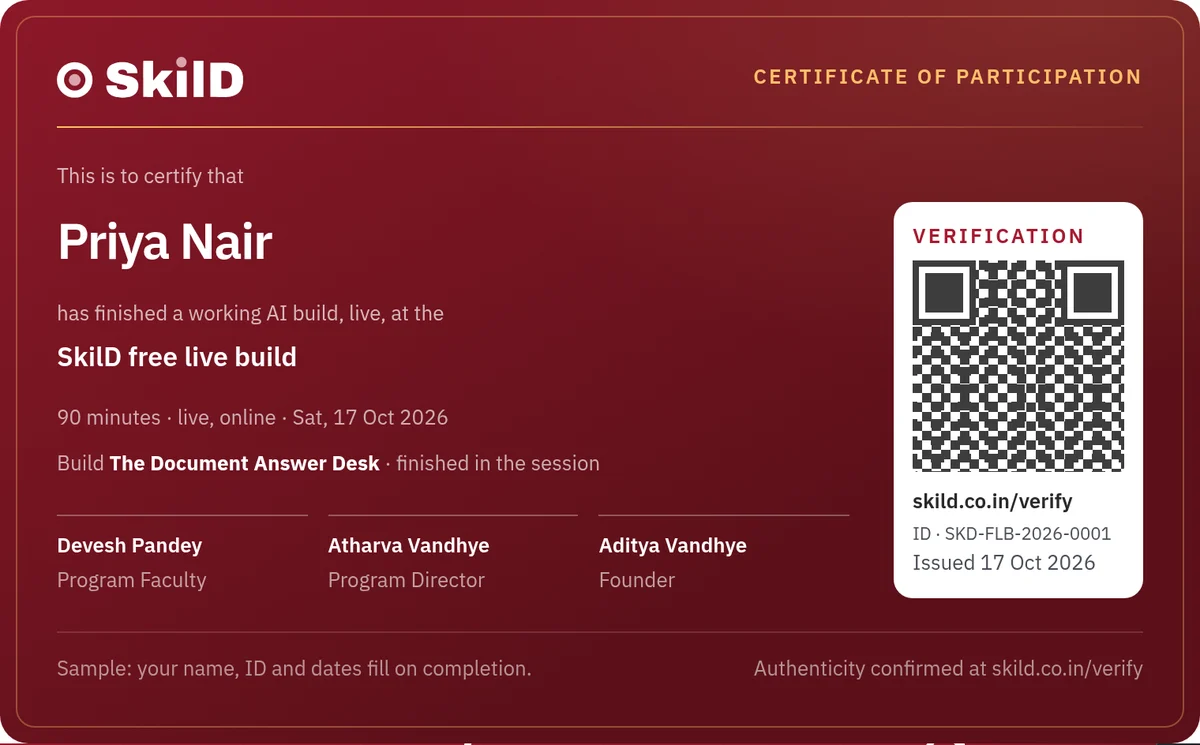
- A certificateof participation, with a verification ID an employer can check
- Your roadwhich of the three PG Programs fits, named in the session
Why is it free?
Because ninety minutes in a live room shows how SkilD teaches better than any brochure can. You watch an industry expert build, you build alongside, and you decide for yourself whether a program is your next step.
The last fifteen minutes name the next cohort of each PG Program and its date. That's the whole pitch, and you leave with a working build either way.
What people say after ninety minutes.
“I had never built anything with AI. Ninety minutes later I had a document assistant my team still uses.”
[learner name] · Operations lead
“The expert fixed what broke on screen, live. That told me more than any syllabus.”
[learner name] · Data analyst
“I came to see if AI work was for me. I left knowing which program to take.”
[learner name] · Software engineer
Free live build: your questions, answered.
Does the free live build cost anything?
It's free: nothing is charged and no card is asked for. The build runs on free accounts opened in the session.
Do I need coding for this free AI workshop?
Coding is optional. People who have never written code finish the build on free browser accounts, with the expert on screen.
What do I need on the day?
A laptop and a browser. The free accounts take two minutes to open, together, in the session.
What if I can't make either session?
Pick "hold me a place" in the form, and a seat is kept at the next session.
I registered. Where is the joining link?
It reaches you on WhatsApp and email within minutes of saving a seat, with a reminder on the day. If it hasn't arrived, look in your email's Promotions tab, or message us on WhatsApp at +91 90969 09751 and it comes again.
Do I get a certificate from the free AI workshop?
Yes: everyone who attends gets a participation certificate, with a verification ID.
Is there a recording of the free live build?
The replay reaches everyone who registered within 24 hours. The build goes faster live, where questions get answered on the spot.
Can I learn AI skills for free?
You can start here: ninety minutes, free, ending in a working AI build and a certificate. The depth employers hire for comes with the PG Programs, and the last fifteen minutes map which one fits.
Give it ninety minutes. Leave with something that works.
Save my free seat→[registrant count] seats saved so far · everyone who attends gets a certificate